 Otto
Commitment Ledger: How to Track Every Promise You Make
Commitment Ledger: How to Track Every Promise You Make

A commitment ledger is a single running record of every promise you made, and every promise made to you, across email, meetings and chat. Each entry carries a person, a date, a source and a status, and it stays open until there is evidence the promise was kept. It is different from a task list because it starts from what was said, not from what you remembered to write down.
If you have ever left a call certain you would send a deck, then found it three weeks later in a transcript nobody reread, this is the missing piece. Below you will find what belongs in a ledger, how to audit your inbox and meetings for promises already slipping, how to keep the record in one place when your tools do not talk to each other, and where the accounting meaning of the term fits in.
TL;DR
- A commitment ledger logs promises in both directions, with owner, due date, source and status, and keeps each one open until closure is confirmed.
- It beats a to-do list and meeting notes because it captures spoken and emailed promises at the moment they are made, with the evidence attached.
- Audit what you already have: list recent meetings, extract the promises, then search email for proof of follow-through.
- Keep one ledger, not one per tool. Any AI that fills it should quote the source line and wait for your approval.
- In accounting, “commitment” means something else: a budgeted future obligation tied to a purchase order or contract.
Table of Contents
- What a commitment ledger is
- Why promises get missed in the first place
- What to record for each promise
- How to audit your email and meetings for commitments
- Keeping one ledger when your tools do not share memory
- Watching the ledger every day
- Commitment ledger in accounting: a different meaning
- Our perspective
- Try the ledger without building it by hand
- A one-week starter plan
- FAQ
- Sources
What a commitment ledger is
The idea is simple. One workflow guide describes the ledger as a record of every promise you made or were made, with the date, the person and the source meeting, so you can see what is outstanding on both sides before a 1:1 or a review. Two details matter in that description: the ledger is two-sided, and every line points back to where the promise came from.
That makes it a different object from the things you already use:
| To-do list | Meeting notes | Commitment ledger | |
|---|---|---|---|
| Starts from | What you decide to write down | What was discussed | What was promised, by anyone |
| Covers promises you are owed | Rarely | Sometimes, buried in prose | Yes, as first-class entries |
| Source attached | No | The note itself | Meeting, email or message, ideally the exact line |
| Closes when | You tick it | Never | Evidence shows it was delivered |
| Spans email and calendar | Only if you copy items in | No | Yes, by design |
Meeting notes are worth a closer look, because they are where most promises go to die. One workplace-writing guide frames good minutes as a contract that records decisions and actions as commitments, not a narrative of the conversation. A ledger takes that logic one step further: it pulls the commitments out of the narrative so they cannot hide inside it.
Why promises get missed in the first place
Most missed commitments are not lazy. They are structural. A promise is made in one place and the reminder lives in another:
- You say “I’ll send the revised proposal Friday” on a video call. The only record is a transcript in a notetaker.
- A client writes “can you confirm the date by Wednesday?” in an email thread you skimmed on your phone.
- A teammate says in Slack that they will intro you to a vendor. Nobody writes it down because it felt casual.
Each tool is good at its own slice. None of them sees the others. So you become the integration layer: copying context from the notetaker into your task app, holding the email promises in your head, and rebuilding the picture every morning. The ledger replaces that mental job with a record.
The fix is not more discipline. It is a place where every promise lands automatically, or at least in one routine, and where silence is visible. A promise with no activity against it should look different from one that has been delivered.
What to record for each promise
Keep the fields few enough that you will actually fill them, or that software can fill them reliably. A practical minimum:
- The promise itself, in one verb-led sentence: “Send revised pricing to Dana.”
- Direction: you owe it, or someone owes it to you.
- Owner and counterparty: who must act, and who is waiting.
- Due date: stated, or inferred and flagged as inferred.
- Source: the meeting, thread or message it came from, with a link.
- Exact quote: the words that created the promise.
- Status: open, in progress, waiting on someone, closed.
- Evidence of closure: the sent email, the shared document, the confirmation reply.
The quote column deserves emphasis. One guide to AI meeting summaries notes that an exact-quote column makes AI-generated logs trustworthy and exposes invented commitments, because a fabricated promise has no text to quote. If a line in your ledger cannot point to words someone said or wrote, treat it as unconfirmed.
The last two fields are where a ledger separates from a list. Some register designs treat each promise as a stateful object with an owner, dependents, status, change history and closure evidence, so it outlives the meeting where it was born. You do not need that much machinery for a personal ledger, but the principle holds: a promise has a lifecycle, and the ledger tracks it.
Closing is not the same as doing
Opening the document is not delivery. Drafting the email is not delivery. In the ledger model, an item closes only when later confirmation or evidence shows it was completed. A sent message with an attachment, a reply saying “got it”, a shared file with the right permissions: these close an item. Good intentions do not.

How to audit your email and meetings for commitments
Before you build anything, find out how leaky your current setup is. An audit takes about an hour and usually turns up several promises already overdue.
Step 1: List the last two weeks of meetings
Pull every meeting from your calendar, including the short ones. Short calls are where offhand promises hide. If you record or transcribe, open the summary or transcript for each.
Step 2: Extract the promises
Read for commitment language: “I’ll,” “we will,” “you’ll receive,” “let me get back to you.” An open-source workflow from an email-app maker describes the same sequence: list recent meetings, extract action items from summaries or transcripts, then search email and other tools for follow-through. Write each promise as a ledger line with its direction and owner.
Step 3: Look for evidence in email
For each promise, search your sent mail and your inbox for proof: the reply, the attachment, the calendar invite you said you would send. The same workflow assigns a status based on whether matching evidence exists, such as followed up, in progress or no activity. “No activity” is the status that pays for the audit. Those are the promises about to become apologies.
This is also where connecting messages to their records matters. When email threads are linked to the thing they refer to, as in email thread tracking tied to a business record, a status check stops being a search expedition and becomes a lookup. The same principle applies to a personal ledger: each promise should point at the thread that proves or disproves it.
Step 4: Check the AI summary against the transcript
If an AI wrote the summary you extracted from, verify it. Guidance on auditing AI meeting notes says to check every decision, owner, due date, scope claim and promise against the actual transcript, not the summary’s assertions. It also advises scanning for phrases like “we will” or “you’ll receive” and removing any that were not actually said before anything goes to a client. Summaries compress, and compression is where owners and dates get invented.
For a deeper look at turning a call into something you can act on, see our walkthrough on AI meeting summaries that map to tasks and the four-step guide to closing promises from meeting transcription.
Step 5: Rank what you find
Sort the “no activity” items by who is waiting and how long. Anything you owe to a client or a boss goes first. Anything owed to you by someone else becomes a follow-up. Send those follow-ups today, using a short template; our follow-up templates and workflow cover the wording.
Keeping one ledger when your tools do not share memory
The hardest part is not the format. It is that email, calendar, meetings and chat each hold a fragment. There are three realistic ways to keep a single ledger.
A manual ledger. One spreadsheet or database with the fields above. It works if you spend ten minutes after each meeting and five at the end of each day. It fails the week you are busiest, which is exactly when promises multiply.
Separate tools, each with its own list. The notetaker keeps meeting actions, the inbox keeps flagged messages, the task app keeps tasks. This is the setup that makes you the glue. Nothing can tell you that a promise on a call was fulfilled by an email, because no tool sees both.
One shared memory that sees everything. A system that reads email and calendar, listens in meetings and writes every promise into the same ledger can compare what was said with what was sent. That is what lets it flag the “no activity” items on its own instead of waiting for your audit. Our guide to what an AI assistant with memory should remember at work lays out what that memory needs to hold.

Rules for any automated ledger
Whatever fills the ledger, hold it to a few rules:
- Every entry cites its source, ideally with the quote.
- Nothing leaves your account without your approval. A drafted follow-up is helpful. A sent one you never saw is a liability. Writing on human oversight models for AI agents makes the same case: put a person at the decision point, with the evidence in front of them.
- Inferred dates are labeled as inferred. A deadline someone implied is not the same as one they stated.
- Closure needs evidence. The system proposes closing an item when it sees the reply or the file, and you confirm.
Watching the ledger every day
A ledger you open once a month is an archive. The habit that makes it work is a short daily pass:
- Open the items due today or overdue, both directions.
- For the ones you owe, do the work or renegotiate the date in writing.
- For the ones owed to you, send a nudge. Our guide to tracking waiting-on emails takes about thirty minutes to set up.
- Close items only when you can point to the evidence.
- Before every 1:1 or client call, filter the ledger by that person.
That last step changes how meetings feel. You walk in knowing what you owe them and what they owe you, without scrolling through three apps. The same list also answers the morning question of what deserves your attention first: overdue promises to people who are waiting, then promises with near dates, then everything else.
If follow-ups after meetings are your weak spot, post-meeting follow-ups with templates and AI and the recap email template give you the format for confirming promises in writing, which also creates the closure evidence your ledger needs.
Commitment ledger in accounting: a different meaning
If you arrived here from a finance search, the term means something else. In accounting and public-sector budgeting, a commitment, also called an encumbrance, recognizes a future obligation tied to a contract or purchase order, so budget is set aside before the invoice arrives. A commitment ledger in that world tracks money reserved against a budget.
A related idea shows up in revenue standards. Under IFRS 15, a performance obligation is a promise in a contract to provide a distinct good or service, and it can be explicit or implied by customary business practice. That is a useful reminder for the work-promise ledger too: implied promises count. “I’ll look into it” said to a key client can create an expectation as real as a signed clause.
The two meanings share a logic: record the obligation when it is created, not when it comes due. They differ in what they track. Accounting tracks dollars against a budget. A work commitment ledger tracks people, words and deadlines.
Our perspective
We built Otto around one observation: every tool you use is clever inside its own box and blind outside it. The notetaker has your meetings but has never seen your inbox. The email assistant has your inbox but does not know what you promised out loud on a call. You end up as the integration layer, carrying context between them all day.
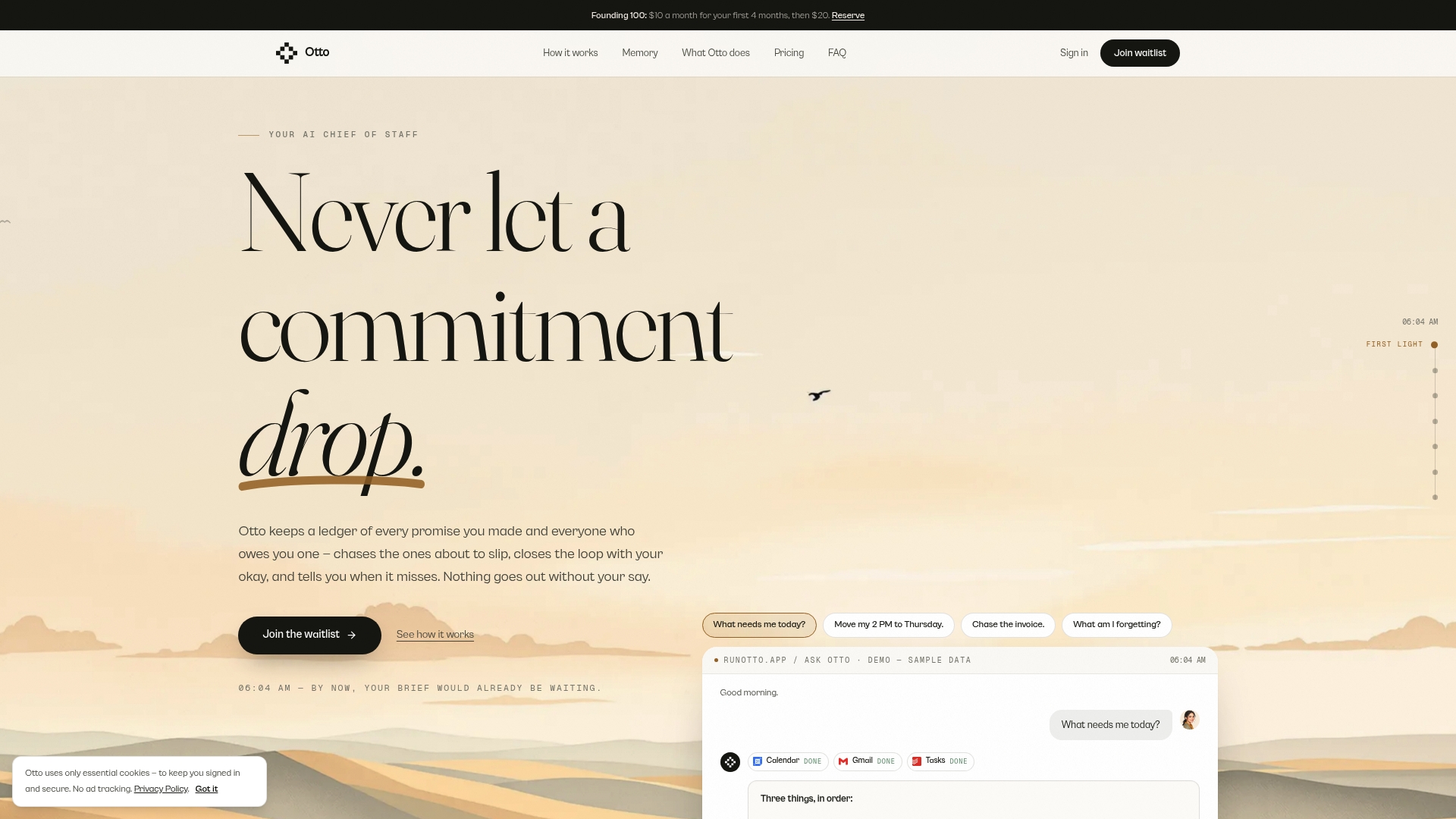
A commitment ledger only works if it sees everything at once. That is why Otto runs on one shared memory of your work: email, calendar, meetings and commitments in the same place. It listens in meetings, reads your email and calendar, and captures every promise made in any of them into a single ledger that it chases until it is closed.
We also think the ledger should never act behind your back. Otto drafts, you decide. Nothing is sent or finalized without your explicit approval, so the ledger makes you faster without making you nervous.
The result is that the question you face each morning, what should I focus on today, has an answer built from your real promises and not from a guess.
Eddie
Try the ledger without building it by hand
Otto is built for founders, operators, chiefs of staff and consultants whose promises are scattered across a dozen tools. It captures commitments from meetings, email and calendar into one ledger, chases follow-ups, and drafts messages for your approval. It connects with more than 130 tools, including Gmail, Google Calendar, Slack, Notion, GitHub and Todoist.
Plans, as published on our site: Free at $0 per month, Upgraded at $20 per month, and Max at $50 per month, with higher usage limits, integrations and advanced features as you move up. You can compare them and start on the Otto site. If you want to understand what to look for first, our guide to choosing an AI follow-up assistant walks through it, and capture, queue, act shows the daily rhythm.
A one-week starter plan
If you want to begin before choosing any software, here is a week-long plan.
- Day 1: Run the audit above on the last two weeks. Create the ledger with the eight fields. Expect to find a handful of overdue items.
- Day 2: Send follow-ups on every “no activity” item, starting with those owed to clients or leadership.
- Day 3: After each meeting, add promises within ten minutes, with the quote. Include what others promised you.
- Day 4: Add a daily pass: overdue, due today, waiting on others.
- Day 5: Before each 1:1, filter by person and bring the list.
- Day 6: Check closed items. Does each have evidence? Reopen any that do not.
- Day 7: Review what slipped and why. Was the promise captured late, or was the date unrealistic? Adjust how you commit, not just how you track.
The last point is the quiet benefit. Once promises are visible, you start making fewer of them casually and negotiating dates more honestly, because you can see the load you are already carrying.
FAQ
What is the difference between a commitment ledger and a task list?
A task list holds what you decided to do. A commitment ledger holds what was promised, by you or to you, with the source and the evidence of closure. It also covers promises others owe you, which task lists usually leave out.
How do I prevent missed commitments?
Capture each promise at the moment it is made, with an owner and a date. Review the ledger daily and close items only when you can show evidence, such as a sent email or a shared file. Anything with no activity gets a follow-up.
How do I audit my email for commitments?
List your recent meetings, extract the promises from summaries or transcripts, then search your sent mail for matching replies or attachments. Label each as followed up, in progress or no activity. Check any AI-written summary against the transcript first.
What should a centralized commitments ledger record for each promise?
At minimum: the promise, direction, owner, counterparty, due date, source, exact quote, status and closure evidence. The source and quote let you verify the entry later, and the status shows what is still open.
Does a commitment ledger mean the same thing in accounting?
No. In accounting, a commitment or encumbrance reserves budget for a future obligation such as a purchase order. The work version tracks personal and professional promises between people instead of money against a budget.
Sources
- The commitment ledger (Desk Theory)
- Meeting Notes and Minutes, Workplace Writing
- Commitment and Dependency Register
- Summarize Meetings with AI (Whizi)
- Persona meeting manager skill (Readdle, GitHub)
- Audit AI Meeting Notes Before Client Follow-Ups (Inspire Fusion)
- Work with Commitments and Encumbrances (Oracle)
- Identify the performance obligations (PwC Viewpoint)
- Email Thread Tracking in ERP (Ampwise)
- Humans in the Loop: 3 AI Oversight Models (Dogtooth)