 Otto
Executive Calendar Etiquette: Rules for Invites, Time and Follow-Ups
Executive Calendar Etiquette: Rules for Invites, Time and Follow-Ups

Executive calendar etiquette is the set of habits that respect everyone’s time: invites that carry what people need, notice that is long enough, buffers between meetings, changes announced early, and promises that do not vanish after the call. The first four are discipline. The last one is where most busy people fail, because the promise lives in an email, a meeting and a calendar note at once. Otto is built for that gap: it listens in meetings, reads your email and calendar, and keeps every promise in one ledger until it is closed.
TL;DR
- Every invite should carry the date, start and end, link or location, an agenda or objective, prep materials and the right people.
- Give a few days’ notice for routine meetings and weeks for important ones, and respect time zones and working hours.
- Protect focus time and leave 10 to 15 minutes between meetings, so one urgent request does not cause a cascade of cancellations.
- Tell people about a change at least 24 hours ahead when you can, say what changed and offer new times in the same message.
- Etiquette does not end when the meeting does: the owner, the deadline and the recap are what make it count.
Table of Contents
- What calendar etiquette means at the executive level
- Sending an invite people can act on
- Protecting focus time and leaving room to breathe
- Being a good attendee
- Rescheduling and canceling without burning goodwill
- The part etiquette guides skip: what happens after
- What this looks like with Otto
- Otto plans
- Our perspective
- FAQ
- Sources
What calendar etiquette means at the executive level
A calendar is a public statement of priorities. A Forbes Business Council piece from June 2026 frames the calendar as a reflection of leadership: it shows what you prioritize and how reactive you have become. Etiquette is how you handle other people’s slots inside that statement.
The Executive Assistant Institute makes a useful distinction. Scheduling is finding a slot. Managing a calendar means knowing the executive’s top priorities for the quarter, testing each request against them, pushing back on meetings without a clear agenda and restructuring recurring meetings that stopped earning their place. The question moves from “where does this fit?” to “does this deserve a slot?”
That matters whether you are a founder guarding your own week, a chief of staff or assistant guarding someone else’s, or a consultant whose calendar holds promises to many clients at once. Good manners and good control are the same thing here.
Sending an invite people can act on
Choose the time with the other person in mind
Check availability before you fix a time, and respect work hours, breaks and time zones. OfficeRnD’s invite guide suggests a few days’ notice for routine meetings and two to four weeks or more for important gatherings. Career Contessa suggests at least three business days ahead. A Canadian consultancy adds that a request to someone you rarely meet should go out about a week early and that you should offer several specific windows rather than ask “when are you free?”
With a global team, time zones, cultural norms and language are the coordination problems. In a January 2026 interview, Harvard Business Review guest Tsedal Neeley stresses mutual adaptation: learn one another’s context instead of assuming shared norms. In practice, write times with the zone in the message, for example “Tuesday 2:00 pm ET / 11:00 am PT”, so nobody has to convert.
Put the essentials in the invite
An invite is a small briefing. OfficeRnD lists what it should contain: date, start and end times, location or online link, agenda or objective, preparation materials and all relevant parties. Invite the people who need to attend or have a stake, not everyone who might like to know.
The strictest version comes from a Fast Company Executive Board roundup, which attributes to one founder a rule that a meeting needs a written agenda and a single decision owner, or it is canceled. You do not need to be that strict, but an invite titled “Sync” with an empty description invites the same response from a busy executive: decline or ignore.
A workable invite template:
- Title that names the decision or outcome, not the topic.
- Objective in one sentence.
- Agenda with timing, two or three items at most.
- Decision owner and who is there to advise.
- Pre-read linked, short enough to read in five minutes.
- Link or room, and the time in each attendee’s zone if they differ.
If you want a one-page version of the prep, our meeting prep briefing template shows one layout, and the guide on meeting agenda automation covers how operators cut the preparation time.
Send a pre-read, not a lecture
Fast Company contributor Shani Harmon argues that a concise pre-read with a discussion question lets the meeting focus on discussion rather than information delivery. Another contributor argues that meetings should be designed around decisions: who decides, who advises, and what outcome is committed to. Teams that turn their weekly review into a decision meeting use the same logic, and this walkthrough of a 90-minute weekly business review shows how a short, decision-focused pack changes what the meeting is for.
Keep the agenda lean too. Fast Company notes that overstuffed agendas make meetings run long, drift and spawn more meetings to finish what was left open.
Protecting focus time and leaving room to breathe
The most common calendar discourtesy is to yourself: wall-to-wall meetings with no recovery. The Executive Assistant Institute recommends default buffers of 10 to 15 minutes between meetings, two to three hours of protected focus time at least twice a week, and one or two weekly catch-up slots to absorb overflow so an urgent request does not trigger a chain of cancellations.
The Forbes piece goes further. It argues that a full calendar creates the illusion of productivity while strategic work disappears, suggests shortening most one-hour meetings to 45 minutes, and says strategic work should be scheduled like a client call or a board meeting.

For assistants, the professional association ASAP describes protected boundaries: no meetings without critical details, no last-minute adds without a time-bound business purpose, respected focus blocks, and prep and recovery time on high-stakes days. When someone pushes on the boundary, its advice is to hold the line, explain why and stay consistent. The boundary exists so the executive can lead well, not to be rigid.
A simple set of house rules
| Situation | Etiquette rule |
|---|---|
| Request has no agenda or objective | Ask for one before accepting |
| Back-to-back blocks | Add a 10 to 15 minute buffer |
| Deep work | Block it as a real appointment, twice a week at minimum |
| Same-day add | Only with a clear, time-bound business reason |
| Recurring meeting that has gone stale | Shorten, change cadence or end it |
Write these down once and share them with whoever books your time. Our guide to reducing meeting overload lays out a practical system for applying them.
Being a good attendee
Etiquette runs both ways. Arrive on time, warn people in advance if you will be late, mute when you are not speaking and use a clear way to signal you want to talk. Lateness has a cost: Fast Company reported a Journal of Organizational Behavior study finding that meetings starting 10 minutes late were one-third less effective in actual and perceived outcomes.
Before you go, triage. Productivity writer Laura Vanderkam suggests reviewing next week’s calendar in advance and asking for an agenda and objective. Where there is neither, postponing or canceling is reasonable. You can also shorten the meeting or send a delegate.
Rescheduling and canceling without burning goodwill
Changes happen. What people remember is how you handled them.
- Tell people early. Stanford’s IT department recommends trying to give attendees at least 24 hours’ notice before canceling or rescheduling, because many staff check their calendars only at the start of the day.
- Say what changed. OfficeRnD advises promptly notifying all original invitees, specifying what changed and sending an updated invitation.
- Give a short reason and offer a way forward. A consultancy’s guidance on postponing says to communicate early, update shared calendars, give brief context so people know the change is deliberate, and propose next steps: a written update, new dates or an asynchronous discussion.
- Offer two or three specific new times with time zones, in the same message.
- Escalate the channel when it is last minute. If the meeting is within hours, a call or direct message beats an email that nobody will read in time.
A short template:
Subject: Moving our Thursday call to next week
Hi Dana, I have to move our 3:00 pm ET call because a board deadline moved up. Sorry for the short notice. Could we do Tuesday at 10:00 am ET or Wednesday at 2:00 pm ET? I have updated the invite for whichever you pick.
If an assistant sends changes on your behalf, you want to see them before they go. Our post on how to approve calendar changes without surprises covers that, and the one on automating scheduling emails addresses double booking.
The part etiquette guides skip: what happens after
Most etiquette articles stop when the call ends. That is where the real damage happens. A founder says “I’ll send you the deck” on a call, an investor asks for an intro by email, a client mentions a deadline in a calendar comment. Three tools, three promises, no single list.
The basics are well established. Fast Company’s executive roundup recommends documenting decisions and owners and ending every meeting with clear action items and deadlines. Career Contessa suggests sending a recap the same day or the next with owners and deadlines, and sending the invite for any needed follow-up meeting right away so people can see work is moving.

What the advice leaves out is how to do it when you run ten meetings a week. If you already use an AI notetaker, you have a transcript, but the transcript has never seen your inbox, so it cannot tell you that the promise on Tuesday’s call overlaps with the email you sent Monday. Our guide to a meeting recap email gives a template and a way to verify actions before you send it.
Check every recap against this list
- Is each action tied to one named owner?
- Does each have a date, or a clear trigger?
- Did anyone promise something outside the meeting, by email or chat, that belongs on the same list?
- Does a follow-up meeting need an invite now?
- Do calendar events and tasks agree? One rule for calendar and task sync prevents the usual drift.
What this looks like with Otto
Otto is an AI chief of staff that runs on one shared memory of your work: email, calendar, meetings and commitments in the same place. It listens in meetings, reads email and calendar, and captures every promise made in any of them in a single ledger, which it chases until the item is closed. Because it sees all of it together, it can answer the question that matters each morning: what should I focus on today.
For etiquette, that means the invite, the recap and the follow-up draw on the same context instead of making you copy it between tools. Nothing is sent or finalized without your explicit approval: Otto drafts, you decide. If you want to see how the email and calendar sides fit together, read how to unify email and calendar context in one place.
Otto plans
Otto has a Free plan at $0 per month, an Upgraded plan at $20 per month and a Max plan at $50 per month. Upgrading raises usage limits and adds integrations and advanced features, and Otto connects to over 130 tools, including Gmail, Google Calendar, Slack, Notion, GitHub and Todoist.
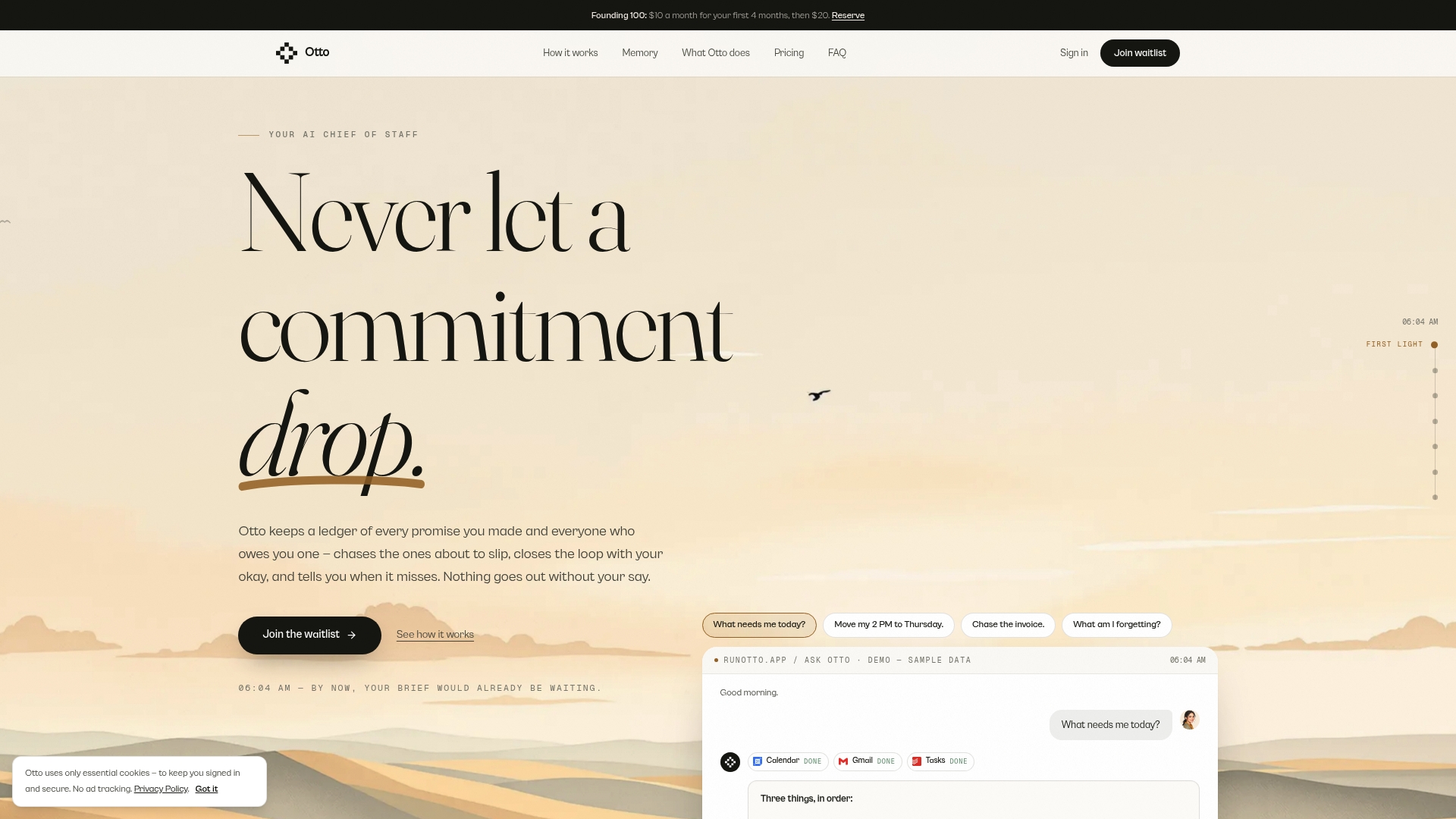
You can start on the Free plan and see your commitments gathered in one ledger at ottohq.app.
Our perspective
Calendar etiquette is usually taught as manners: be on time, send an agenda, say sorry when you cancel. Those habits matter. But they treat the calendar as the whole problem, and it is only one box.
The real cost of a busy week is not the meetings. It is that every meeting creates promises, and those promises land in a different place from the one where you will need them. A notetaker has the call but never saw your inbox. An email tool has the thread but has no idea what you said out loud. So you become the integration layer, carrying context between tools and holding the connections in your head.
We built Otto to remove that job. One shared memory across email, calendar, meetings and commitments means you stop re-explaining your own work to your software. Every promise goes into one ledger that gets chased until it is closed, and good etiquette follows from that: the recap goes out on time, the reschedule offers real options, and nobody waits on you for something you forgot you said.
And because we think a chief of staff should never speak for you without asking, Otto drafts and you decide.
Eddie
FAQ
How much notice should I give for a meeting?
A few days for routine meetings and two to four weeks or more for important ones, according to OfficeRnD’s invite guide. Add time-zone and working-hour checks for anyone outside your region.
How far ahead should I cancel or reschedule?
Try for at least 24 hours, as Stanford’s IT guidance suggests, since many people check their calendar only at the start of the day. For shorter notice, add a direct message or call so the change is seen in time.
How much buffer should an executive leave between meetings?
The Executive Assistant Institute recommends 10 to 15 minutes by default, plus protected focus blocks of two to three hours at least twice a week. Treat them as real appointments.
Who is responsible for follow-up after a meeting?
The meeting owner, with each action assigned to a named person and a deadline. A recap the same day or next day keeps it fresh. Otto captures commitments from meetings, email and calendar into one ledger so they are tracked until closed.
Sources
- Executive Calendar Discipline, Forbes Business Council
- Executive Assistant Calendar Management Tips That Work
- 14 Key Principles Of Good Calendar Invite Etiquette
- How to Lead a Great Meeting: 30 Meeting Tips, Career Contessa
- Scheduling a meeting: simple considerate behaviours, TVB Associates
- When Leading a Global Team, Don’t Leave Connection to Chance, Harvard Business Review
- 14 ways to have more efficient meetings, Fast Company Executive Board
- What High-Performing Assistants Get Right About Calendar Strategy, ASAP
- 5 tips to fix meetings that waste time, Fast Company
- Highly effective leaders and meetings, Fast Company
- How To Survive 8 Straight Hours Of Meetings, Fast Company
- Calendar Best Practices, Stanford University IT
- Why Canceling or Postponing a Meeting Can Sometimes Be the Right Choice, PAI Consulting