 Otto
Meeting Commitments Log: What to Record and How to Keep It
Meeting Commitments Log: What to Record and How to Keep It

A meeting commitments log is a running record of the promises made in your meetings, each with one owner, a date and a clear definition of done. It exists because notes capture what was said, while a log tracks what someone now has to do. Keeping one by hand works for a week or two. It breaks when promises also arrive by email, Slack and quick calls, which is why we built Otto to capture them into one ledger and chase them until they close.
TL;DR
- A commitment is a promise with a specific output, a named owner and a date. Ideas and opinions are not commitments until they meet that bar.
- Log each one with eight fields: promise, owner, requester, due date, definition of done, condition, status and close evidence.
- Review the log at the start of every recurring meeting, and never let a date slip without recording the new one.
- The hard part is capture, not format. Promises made out loud, in email and in chat are the ones that vanish.
- Otto captures promises from meetings, email and calendar into a single ledger and chases them. It drafts follow-ups, and you approve before anything goes out.
Table of Contents
- What counts as a meeting commitment
- Examples of commitments that belong in the log
- The fields every log entry needs
- How to write a commitment so nobody argues about it later
- Where to keep the log
- A weekly routine that keeps the log honest
- Why a manual log breaks down
- Turning a log into a daily answer
- Where Otto fits
- Try Otto’s ledger
- Our perspective
- FAQ
- Sources
What counts as a meeting commitment
A commitment is a promise that someone will deliver something. One editorial team defines a cross-team commitment as a promise one team makes to another, and says it needs a specific output, a named owner and a date. An idea that still needs discussion does not qualify yet.
That is how a commitment differs from the other things a meeting produces:
| Meeting output | What it is | Goes in the commitments log? |
|---|---|---|
| Notes | A record of what was discussed | No, but they are the source |
| Decision | A choice that was made | Only if it triggers a promised action |
| Action item | A task someone takes on | Yes, once it has an owner and a date |
| Commitment | A promise to a specific person, with an output and a date | Yes |
| Idea or “we should” | A possibility with no owner | No, until someone owns it |
In practice, action items and commitments overlap. The difference is the audience. An action item is a to-do on a list. A commitment is owed to someone, who will notice if it goes quiet.
Examples of commitments that belong in the log
You will catch more by listening for phrases than by waiting for someone to say “action item.” These are the kinds that usually matter:
- A deliverable you promised a client. “I’ll send the revised proposal by Thursday.”
- A promise to a teammate. “I’ll get you the pricing numbers before your Monday review.”
- A request you made and are waiting on. “Can you send the contract redlines by the 12th?” This is a commitment someone else owes you. Log it, or it disappears into silence.
- An introduction or favor. “I’ll connect you with our head of ops this week.” These are small and easy to forget, and they shape how reliable people think you are.
- A conditional promise. “If legal signs off, we’ll ship the update on the 20th.”
- A promise made in passing. The one at the end of a call, after the agenda is over.
Notice that the last two are the ones that rarely reach the notes. Most of the value of a log comes from catching them.
The fields every log entry needs
A log with too many columns does not get used. These eight cover what readers need to act and to close the loop:
- The promise, written as owner plus verb plus deliverable. “Alex to send vendor shortlist (3 options) to the team” is a commitment. “Alex to look at vendors” is not.
- One owner. A single named person. “The team” means no owner.
- The requester. Who is owed this, and who will accept it as done.
- A due date. A real calendar day, not “soon” or “next week.” If no date was stated, write TBD and ask.
- Definition of done. What the requester would accept, specific enough that you and they would agree without another conversation.
- The condition, if any. Conditional commitments should be recorded with their condition and the date the condition must be resolved. A promise that depends on a budget approval is different from one you can deliver alone.
- Status. Not started, in progress, blocked, done or cancelled. Five states are enough.
- Close evidence. A link to the document, the sent email, the ticket or the date a decision was recorded.
A well-formed row looks like this:
| Promise | Owner | Requester | Due | Done looks like | Status |
|---|---|---|---|---|---|
| Send revised proposal with Option B pricing | Dana | Client lead, Marcus | Thu, Nov 19 | Marcus confirms receipt and has what he needs for his board review | In progress |
| Share signed vendor contract | Marcus | Dana | Dec 1, if legal approves by Nov 24 | Countersigned PDF in the shared folder | Blocked on legal |
How to write a commitment so nobody argues about it later
Most disputes about a commitment are disputes about what was agreed. Three habits remove most of them.
Write the output as a noun. “Review the budget” is an activity with no end. “Send comments on the Q1 budget draft” is a deliverable you can point to.
Confirm the date out loud before the meeting ends. If someone says “by end of week,” ask whether that means Friday noon or Friday midnight, and in whose time zone when you work across regions. It takes ten seconds and prevents a missed handoff.
Send the record while people still remember the call, and give a correction window. A short recap email with each commitment, its owner and its date lets everyone fix errors before work begins. A line such as “Reply by 3 p.m. tomorrow if anything here is wrong” does the job. If you want a template, our guide to the meeting recap email walks through one and shows how to verify the actions before you send.
Do not add new commitments in the recap. If your position changed after the call, say so plainly as a change, so the other side does not read it as something they agreed to.
Where to keep the log
The best place is wherever you will actually look every day. The principle matters more than the tool: keep one authoritative record, not slightly different versions in a transcript, an email thread, a chat channel and a task board.
That is the same problem as scattered notes and email, and it is the reason we wrote about how to centralize meeting notes and emails in one place. If your promises start in a Slack thread, you also need a habit for turning Slack messages into tasks, or the log will only cover the meetings you remembered to write up.
A spreadsheet is enough for a solo operator with one or two recurring meetings. Once you are juggling many clients or other people’s commitments, the maintenance cost starts to exceed the value, because every entry is typed by you.
A weekly routine that keeps the log honest
A log is only useful if it gets closed out. Here is a routine that works for recurring meetings.
Right after the meeting
Scan the transcript or your notes for the phrases that signal a promise: “I’ll,” “we’ll,” “can you,” “by next week,” “let’s do.” For each, confirm the owner and the date that was actually stated. If either is missing, mark it TBD and follow up the same day. Also pull out blockers that came up in conversation but never made the final recap.
At the start of the next meeting
Copy last meeting’s open items into a “carryover” section and spend five to ten minutes on them. For each one, capture:
- the current status, in one sentence;
- any blocker, and who can remove it;
- the due date, confirmed or changed. No silent slips: if the date moves, the new date is written down;
- the close evidence, if it is done.
Be strict about “nearly done.” A commitment that is nearly done is open.
When something closes
A commitment is closed when the requester confirms the output is usable, or when someone with authority cancels it. Record the close date, the evidence and the person who accepted it. Cancelled items stay in the log, marked as cancelled, so nobody wonders later what happened to them.
Why a manual log breaks down
The format above is simple. The trouble is the work around it.
You have to remember to open the log. You have to listen for promises while also running the meeting. You have to retype what was said into the right row. And the promises that matter are not only in meetings: a client says “can you also send X?” in an email, a teammate asks for something in a thread, and you agree in a calendar comment. A log fed only by meeting notes holds a fraction of what you owe.
If you already use an AI notetaker, you have solved the transcript but probably not the follow-through. The notetaker has your calls and has never seen your inbox. Your email tools see the inbox but not what you promised out loud. You end up as the person copying context between apps, which is a job we think software should do. We covered the transcript half of this in meeting transcription for teams, including how to close the loop after the call.
People who track other people’s commitments feel this most. A chief of staff or executive assistant is often keeping a log for someone else, across many meetings they did not attend. So do consultants and agency owners with a promise open for every client. The structure is the same, but the volume is what overwhelms.
Turning discussion into accurate, actionable records in team tools is also a theme in this guide to automating multichannel follow-ups, which covers a sales-team setup.

Turning a log into a daily answer
A commitments log should answer one question each morning: what should I focus on today? That means it has to show what is due, what is blocked and what you are waiting on from others, in one view.
When the log lives apart from your calendar and inbox, you answer that question by cross-checking three places. When it sits next to them, the answer is a short list. This is the difference between a record you maintain and a record that works for you.
Where Otto fits
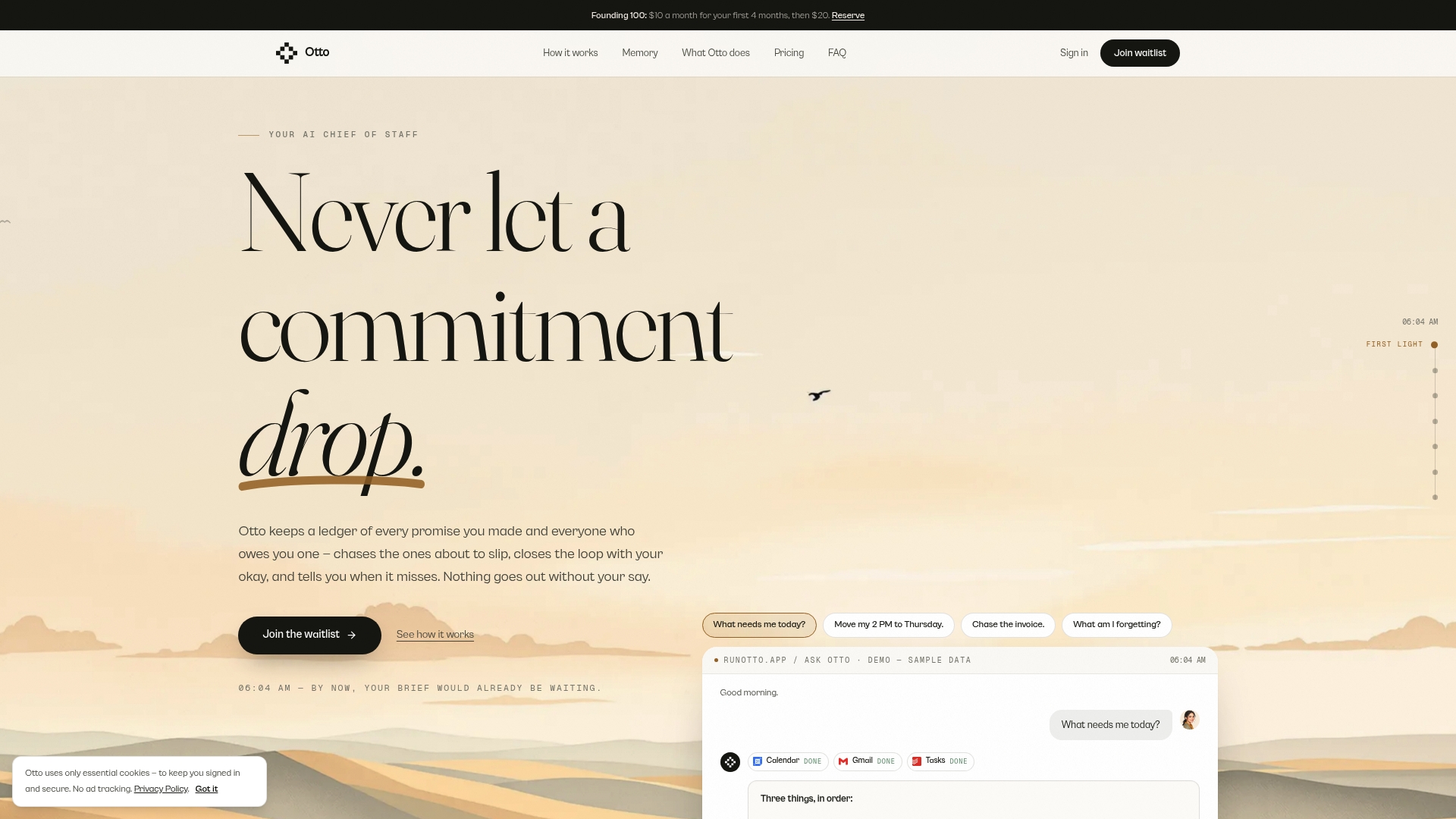
Otto is an AI chief of staff that runs on one shared memory of your work. It listens in meetings and reads your email and calendar. Every promise made in any of them goes into a single ledger that it chases until it is closed.
Two details matter for a commitments log:
- You are not the integration layer. The promises you make out loud, the ones in email and the ones on your calendar land in the same place, so there is nothing to re-explain or copy across.
- You stay in control. Nothing is sent or finalized without your explicit approval. Otto drafts follow-ups and reminders, and you decide.
Otto connects with more than 130 tools, including Gmail, Google Calendar, Slack, Notion, GitHub and Todoist. If you track engineering promises too, our posts on GitHub issue reminders and post-meeting follow-ups show the workflow.
Try Otto’s ledger
Otto has three plans: Free at $0 per month, Upgraded at $20 per month and Max at $50 per month. Higher plans add usage limits, integrations and advanced features. You can start on the Free plan and see which of your promises it picks up from the next meeting.
If your log currently lives in a spreadsheet you update on Friday afternoon, this is the part to hand over.
Our perspective
Every commitments log we have seen fails for the same reason. The format is fine, and the capture is where it breaks. Someone has to notice the promise, write it down and remember to look at it again. That someone is almost always the busiest person in the room.
We think the log should be a by-product of the work, not another piece of it. A promise made on a call, in a reply or in a calendar invite is the same kind of thing, so it belongs in the same ledger. When one memory sees all of it, you stop being the glue between your tools.
We also think software should never speak for you without asking. That is why Otto drafts and you approve. A chased promise should sound like you, and it should go out only when you say so.
Eddie
FAQ
What is a meeting commitments log?
It is a running record of the specific promises made in meetings. Each one has an owner, a due date and a definition of done. It differs from meeting notes because it tracks what people owe, and it stays open until each item is closed.
What should I include in a commitments log?
At minimum, include the promise, one named owner, who it is owed to, a real due date, what done looks like and the current status. Add the condition for any conditional promise, and the evidence when it closes. More columns than that tend to go unused.
How is a commitments log different from an action item list?
An action item list holds tasks. A commitments log holds promises made to a specific person, including ones you are waiting on from others. The log also records dates that moved and evidence of completion, so you can see reliability over time.
How often should I review the log?
Review it at the start of every recurring meeting, spending five to ten minutes on carryover items. Look at it again each morning if you are managing many clients or commitments. Anything past its date needs a new date or a cancellation, not silence.
Can AI keep a commitments log for me?
Yes, if it can see your meetings, email and calendar together. Otto captures promises from all three into a single ledger and chases them until they are closed. It drafts the follow-ups, and nothing goes out without your approval.