 Otto
Meeting Notes Format: A Structure That Gets Followed
Meeting Notes Format: A Structure That Gets Followed

The best meeting notes format is a short, repeatable one: the basics at the top (date, attendees, purpose), then decisions, then action items with an owner and a due date, then open questions. Everything else is optional. Below you will find that format, two proven frameworks, examples for four common meeting types, and how to use AI for notes without letting errors slip into the record.
TL;DR
- Put decisions and action items first, and keep discussion detail short. A reader should find what was agreed in under ten seconds.
- Every action item needs one owner and one due date. Without both, it is a wish.
- Use a fixed frame such as the four A’s (Agenda, Attendance, Agreements, Action items) or DAR (Decisions, Actions, Risks), and send notes within 24 hours.
- Notes are informal and personal. Minutes are formal records. Know which one your meeting needs.
- Treat AI summaries as drafts until a person has checked names, numbers, dates and who actually agreed to what.
Table of Contents
- The meeting notes format that works for most meetings
- Meeting notes structure: two frameworks to build on
- Meeting notes vs. meeting minutes
- Meeting notes examples for the meetings you actually run
- How to record action items so they get done
- Using AI for meeting notes without losing accuracy
- Our perspective: notes are only half the job
- Put your notes format to work with Otto
- Making the format stick on your team
- FAQ
- Sources
The meeting notes format that works for most meetings
Most meetings need the same six blocks, in the same order. The order matters because people who skim the notes only read the top.
| Block | What goes in it |
|---|---|
| Header | Meeting name, date, attendees, absent invitees |
| Purpose | One sentence on why the meeting happened |
| Decisions | What was agreed, stated as a finished sentence |
| Action items | Task, owner, due date |
| Open questions | What is unresolved and who will resolve it |
| Next meeting | Date and the first topic |
Two habits make this format work. First, write decisions as outcomes, not as topics. “Pricing page: we will launch the new tiers on the first Monday of next month” is a decision. “Discussed pricing” is not. Second, keep the discussion out of the notes unless someone will need the reasoning later. If the reasoning matters, add a single line under the decision.
One more rule from practice: when something was raised but nobody agreed, say so. Proton’s guide gives the example of a suggested launch postponement that no one backed, which should be recorded as discussed with no change agreed. That one line prevents a month of “I thought we had moved it.”
Meeting notes structure: two frameworks to build on
If you would rather start from a named structure than from a blank page, two compact options cover most teams. Pick one and use it every time, because consistency is what lets people find things later.
The four A’s
The four A’s are Agenda, Attendance, Agreements and Action items. Tom Odlin at Proton describes it as a consistent framework that centers on objectives rather than a verbatim transcript. The agenda tells readers what the meeting set out to do, attendance records who was in the room, agreements capture what was decided, and action items assign the follow-up.
This suits recurring team meetings and anything where you want the agenda and the outcome side by side. If you also want a starting point for the agenda half, these management meeting agenda templates show how a structured agenda feeds cleanly into the notes you take against it.
The DAR pattern
DAR stands for Decisions, Actions, Risks. Socratopia recommends it because it ignores discussion flow and tangents and captures only what the next meeting needs. The same source advises writing the notes during the meeting and distributing them within 24 hours, before memory fades.
DAR is the better fit for fast-moving operating meetings, leadership syncs and project check-ins, where the useful question is “what changed, who does what, and what could go wrong.” The Risks block is the part most formats lack. It is where you record the blocker, the dependency or the worry that someone voiced but nobody owns yet.
Which one to choose
Use the four A’s when the agenda is a big part of the meeting and you need a record of who attended. Use DAR when the meeting is short, frequent and focused on movement. You can also combine them: a four A’s header with a DAR body. What you should not do is switch formats from week to week.
Meeting notes vs. meeting minutes
Notes and minutes are different documents, and picking the wrong one causes trouble in both directions.
Notes are informal and often personal: a working record for you and your team. Minutes are a formal organizational record. According to Minutes Solutions, once approved, minutes can serve as the official legal record of formal meetings such as board meetings, and may be required by law. The same source warns that relying on informal notes for legal or financial decisions leaves a weak audit trail.
Minutes also run on a slower clock. The IADC Committee Chair Guide, for example, says minutes should be prepared within two weeks of the meeting, reviewed and approved by the chair, and then sent to attendees, who have two weeks to submit corrections before the final version is posted. Everyday notes, by contrast, should go out within a day.
A simple rule: if the meeting is a board, committee or shareholder meeting, or an organization’s bylaws require a record, write minutes in the format your governing documents specify and ask your corporate secretary or counsel which rules apply to you. For everything else, use the notes format above.

Meeting notes examples for the meetings you actually run
The same frame adapts to different meeting types. Each example below shows the blocks that matter most for that kind of meeting. Swap in your own names and dates.
Example: weekly team meeting
A weekly team meeting needs a short agenda trail, the decisions, and a clean action list. Keep announcements to one line each and park anything that needs a longer conversation for its own meeting. The notes might look like this:
| Section | Example entry |
|---|---|
| Header | Product weekly, 4 Nov, present: Ana, Ben, Chloe, Dev. Absent: Mia |
| Decision | The onboarding email sequence ships Thursday, with three emails instead of five |
| Action | Ben: finish email copy, due Wed |
| Action | Chloe: set up the send schedule, due Thu morning |
| Open question | Do we localize the sequence this quarter? Ana to bring numbers next week |
Example: daily standup
Standups work when they stay short. The usual pattern is three prompts per person: what you did yesterday, what you are doing today, and what is blocking you. Notes should record only blockers and any commitment made to another person, because everything else is already in your task tool. Write one line per person and a final line for the parking lot, where side topics go to be handled by the people concerned.
| Person | Today | Blocker |
|---|---|---|
| Ana | Finish checkout bug fix | Needs staging access from Dev |
| Ben | Draft release notes | None |
| Parking lot | Review the support backlog separately | Owner: Chloe |
If you run standups for a founder-led team and want the capture handled for you, our guide to daily standup automation covers a lighter way to do it.
Example: retrospective
A retrospective looks back, so the structure splits the past into what worked and what did not, then turns that into a small number of changes. Record two to three actions at most, each with an owner and a date, or the retro becomes a list nobody finishes.
| Section | Example entry |
|---|---|
| Went well | Release went out on time; handoffs between design and engineering were clear |
| Did not go well | Last-minute scope changes; QA started too late |
| Action | Dev: add a scope freeze to the release checklist, due before the next sprint |
| Action | Chloe: book QA two days earlier on the calendar, due Friday |
Example: client call
A client call is where the promises are made, by both sides. Record what you committed to, what the client committed to, and what they said about timing or budget in their own words. Send these notes to the client as a recap the same day. Our template walkthrough on the meeting recap email shows how to turn them into a message you can verify and send.
| Section | Example entry |
|---|---|
| Context | Quarterly review with Northwind, 3 Nov, client lead: Sam |
| Client priorities | Faster reporting; a clearer view of campaign spend |
| We committed | Send a revised reporting mockup by Friday (owner: Ana) |
| They committed | Share last quarter’s spend export by Wednesday (owner: Sam) |
| Next step | Follow-up call in two weeks |
How to record action items so they get done
Action items are the reason most people take notes, and the part most notes get wrong. Toastmasters International advises sending out notes that summarize the discussion and decisions, including action items and deadlines with assigned responsibility, then following up so participants are clear on their roles.
A good action item has four parts: a verb, a deliverable, one named owner, and a date. Compare “Look into the vendor contract” with “Chloe: send the vendor contract redlines to legal by Thursday.” The second one can be chased, closed and checked. The first will still be open in March.
A few practical rules:
- One owner per item. If two people share it, nobody owns it.
- Write the date, not “soon” or “next week.”
- Put action items in a section of their own, not buried in the discussion.
- Record promises made by you, too. The ones you speak aloud on calls are the easiest to forget.
A quick quality check before you send
Before you send, read the notes as someone who missed the meeting. Can they see what was decided in the first screen? Does every action have an owner and a date? Is anything described as agreed that was only discussed? If the answer to any of these is no, fix it now, because a correction after distribution costs far more than a minute of editing.
If follow-up is where your notes tend to die, our pieces on post-meeting follow-ups and how to stop missing follow-ups go deeper on the chasing side.
Using AI for meeting notes without losing accuracy
AI can draft meeting notes quickly, and it is worth using. It works best when you give it a fixed format to fill and then read the result before anyone else does.
The reason to check is that summaries can smooth over reality. Logic of Logic notes that AI summaries can turn discussion into decisions, infer owners, soften disagreement, and get names, numbers or dates wrong, so they should be treated as drafts and not records. Its author suggests the most useful check is searching the transcript to confirm that something was truly agreed, not only discussed.
Organizations that formalize this use the same logic. A UK safeguarding partnership’s policy states that AI transcripts are never the definitive legal record until validated, that a human professional must review all AI-generated summaries, and that unverified drafts carry a clear draft watermark.

A workable routine: let the AI fill your decisions, actions and risks template, then spend two minutes checking every owner, every date and every item marked as agreed. For more on turning transcripts into tasks, see our guide to AI meeting summaries that map to tasks and our walkthrough of meeting transcription for teams.
Our perspective: notes are only half the job
Most advice about meeting notes stops at the template. A good template is necessary, and it is not enough, because the hard part comes after the meeting. A note that says “Ben will send the proposal” has done nothing until someone checks that Ben sent it.
The deeper problem is that promises are made in more places than meetings. You agree to something on a call, confirm it in an email, and move a date on your calendar. Each tool holds one piece, and you become the person who connects them in your head. That is a job no founder or chief of staff should be doing by hand.
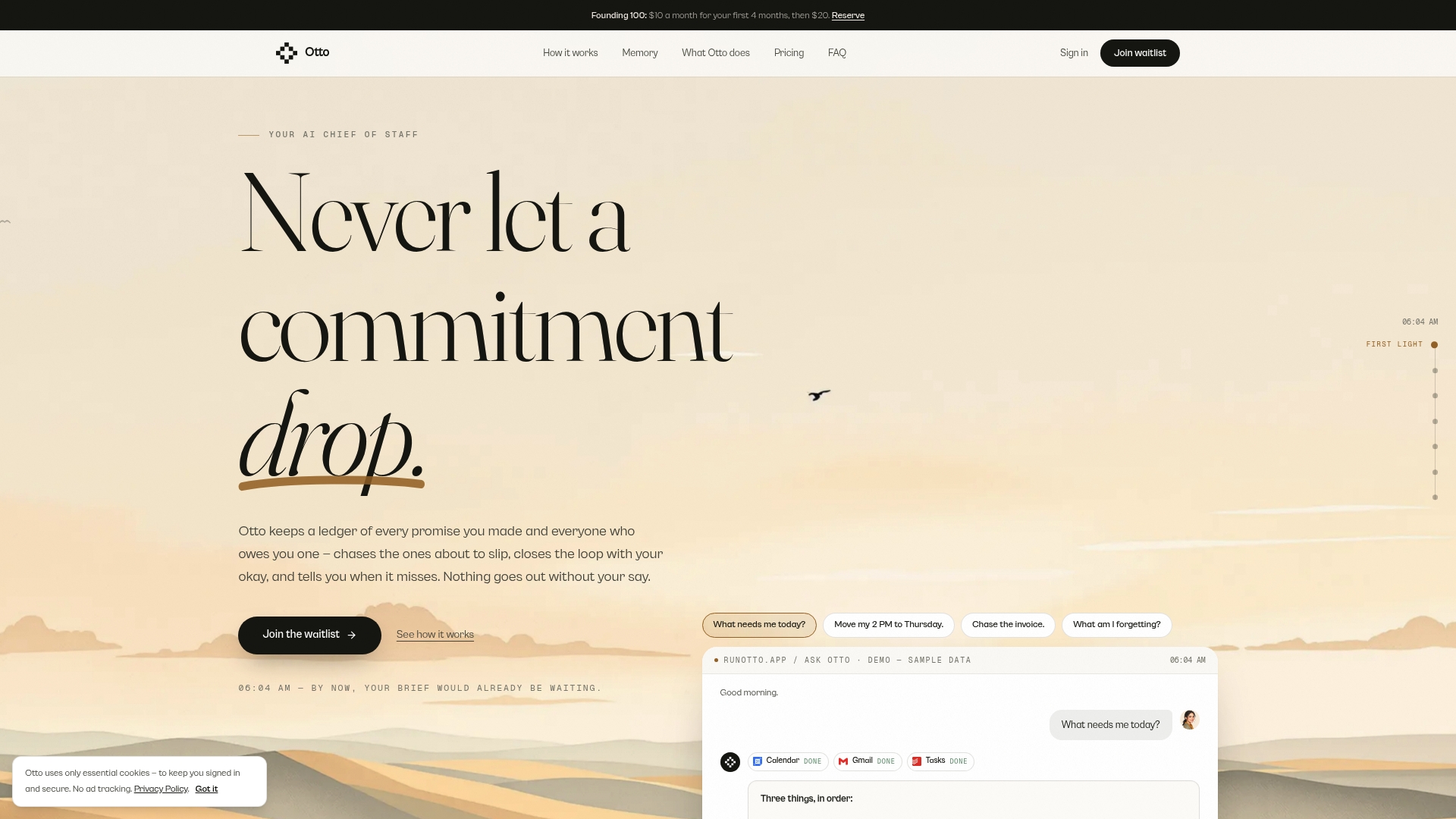
This is why we built Otto around one shared memory. It listens in meetings, reads email and calendar, and captures every promise into a single ledger that it chases until it is closed. Nothing is sent or finalized without your approval: Otto drafts, you decide.
So use the format in this article. Then let the follow-through stop depending on your memory.
Eddie
Put your notes format to work with Otto
Otto is an AI chief of staff for founders, operators and chiefs of staff. It records the decisions and commitments from your meetings, connects them to your email and calendar, and keeps a ledger of promises it follows up on until they are done. It integrates with more than 130 tools, including Gmail, Google Calendar, Slack, Notion, GitHub and Todoist.
Plans are published on the site: Free at $0 per month, Upgraded at $20 per month, and Max at $50 per month. You can start with Otto and see how your next meeting’s action items land in one place.
Making the format stick on your team
A format only works if people use it. Three habits help.
First, pick one format and name it. “We use DAR for syncs and the four A’s for the weekly” is a rule people can follow. Second, assign a note-taker for each meeting, and rotate the role, so the format is learned by everyone. Third, send notes in the same place every time, within 24 hours, so people know where to look.
If your meetings also lack an agenda, fix that at the source. Our piece on meeting agenda automation shows how to cut prep time, and a clean agenda makes the notes almost write themselves.
FAQ
How do you document meeting notes?
Start with a header (date, attendees, purpose), then record decisions, action items with owners and due dates, and open questions. Write during the meeting and send within 24 hours. Keep the discussion short and the outcomes prominent.
What is the standard format for meeting notes?
There is no single legal standard for everyday notes. The common structures are the four A’s (Agenda, Attendance, Agreements, Action items) and DAR (Decisions, Actions, Risks). Formal minutes follow the rules of the organization or the law that governs it.
Can ChatGPT or another AI make meeting minutes?
AI can draft notes or a first version of minutes from a transcript. It should be treated as a draft: a person must check names, numbers, dates and whether items were truly agreed. For formal minutes, an approved human version is the record.
What is the difference between meeting notes and meeting minutes?
Notes are informal and personal working records. Minutes are formal organizational records that, once approved, can serve as the official record of a meeting such as a board meeting. Minutes follow a slower review and approval process.
Sources
- Proton: How to take meeting notes that get results
- Socratopia: Meeting Notes and Minutes
- Minutes Solutions: Meeting Minutes vs. Meeting Notes
- IADC: Committee Chair Guide
- Toastmasters International: The 4 Ps of Effective Meetings
- Logic of Logic: AI meeting notes are a draft, not a record
- CHSCP: Minimum Standards Policy on the Use of AI for Meetings
- Dynamic Growth Solutions: Management meeting agenda templates