 Otto
OttoCut Context Switching in One Week for Developers
Cut Context Switching in One Week for Developers
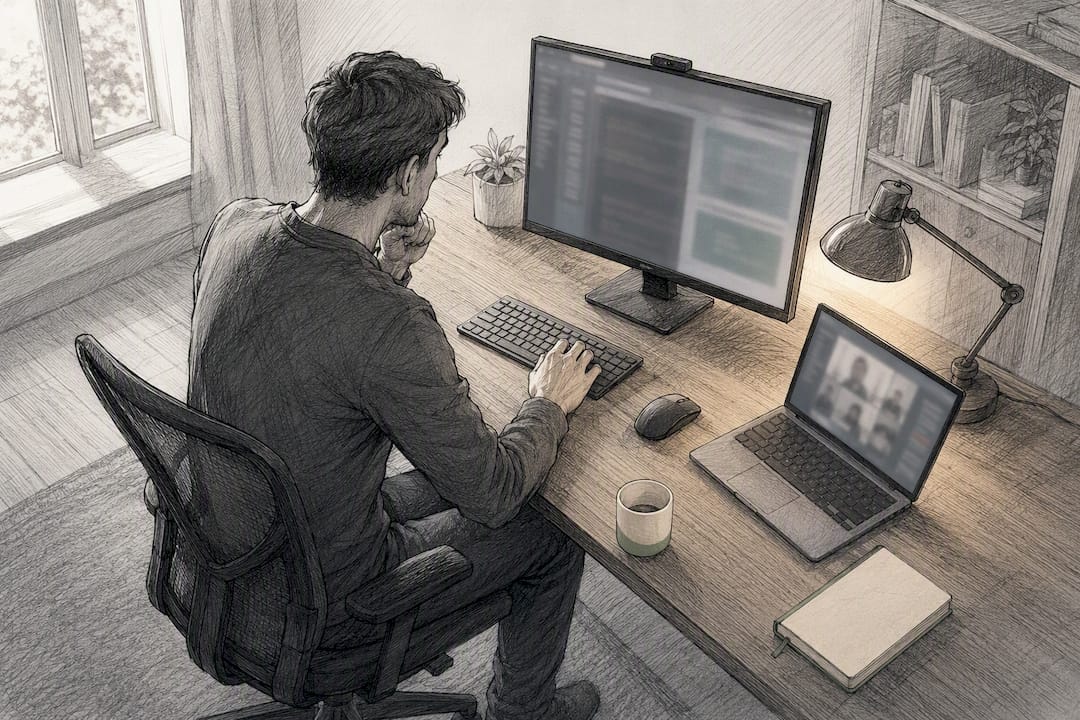
Protect long, uninterrupted focus blocks and set async-first norms with your team. That single combination eliminates most avoidable context switching. Pair it with three fast wins: batch similar tasks into timed sessions, turn off notifications during focus blocks, and build recovery buffers around meetings. Do this consistently and you’ll finish deep work faster with far fewer stalled restarts.
TL;DR:
- Batch similar tasks into dedicated work sessions and use a visible timer to reduce voluntary self-interruptions and improve focus efficiency.
- Consolidate tools and automate routine follow-ups to minimize scattered notifications and decrease app switching frequency.
- Track key metrics such as switch frequency, refocus time, deep-work hours, and task completion rates to measure progress in reducing context switching.
- Implement team-level norms like async-first communication, meeting batching, and shorter meeting durations to prevent calendar fragmentation and promote focus time.
- Use a shared memory AI assistant to centralize context and commitments, thereby lowering the need to re-explain information across multiple apps and tools.
Table of Contents
- Individual Tactics to Reduce Context Switching Today
- Team Practices That Cut Meeting Fatigue and Forced Switches
- What Workspace Setup Actually Reduces App Switching?
- How Do You Measure Whether You’re Reducing Context Switching?
- How an AI Chief of Staff Reduces Context Switching in Practice
- Realistic Expectations for Reducing Context Switching
- Otto: A Direct Way to Cut Context Switching Across Your Tools
- Sources
- FAQ
Individual Tactics to Reduce Context Switching Today
Switching costs you more than the interruption itself. Toggling between applications carries a measurable switch penalty that stacks up across the day, and the real damage happens in the restart, not the interruption. Your brain has to reload the mental model you just dropped, a phenomenon researchers call attention residue. That reload is what actually eats your afternoon.
Here’s what works, in order of impact:
- Batch similar work. Group emails, code reviews, and admin tasks into dedicated blocks instead of handling them as they arrive. A 90 minute Flowtime session (work until natural fatigue, then rest) tends to outperform rigid 25 minute Pomodoro cycles for deep technical work, though Pomodoro still wins for tasks you dread starting.
- Kill the visual cues. Close unused tabs, mute Slack, and work from a single project workspace. Every open tab is a tiny decision point your brain has to resolve before it settles.
- Design around your mental model, not your task list. Sequence work so you don’t jump between a debugging mindset and a writing mindset every 20 minutes. Group tasks that share the same cognitive mode.
- Use a visible timer as a commitment device. A countdown on your screen makes the “just one quick check” impulse harder to justify. It’s a small trick, but it works because it makes the tradeoff visible.
- Cut developer-specific switching triggers. Flaky tests force engineers to re-run and re-diagnose work they thought was done. Isolate on-call rotations so incident response doesn’t bleed into feature work, and tighten PR review windows so code review doesn’t sit half-open in your head for three days.
Self-interruptions, the voluntary check of Slack or email, are frequently more disruptive to developers than anything a colleague throws at them. Trunk found that developers often self-interrupt more than they get interrupted externally, which means the fix starts with your own habits, not your team’s.
Pro Tip: Before switching tasks, write one sentence describing exactly where you left off. That single sentence cuts your restart time because you’re not reconstructing the whole mental state from scratch.
Team Practices That Cut Meeting Fatigue and Forced Switches
Individual discipline only goes so far if your calendar is fragmented by other people’s decisions. Team-level change is what actually protects focus time at scale.
- Run a meeting audit once a quarter: cancel anything without a clear decision owner, and convert status updates to async documents.
- Batch synchronous meetings into set windows (mornings only, or Tuesday/Thursday) instead of spreading them across the week.
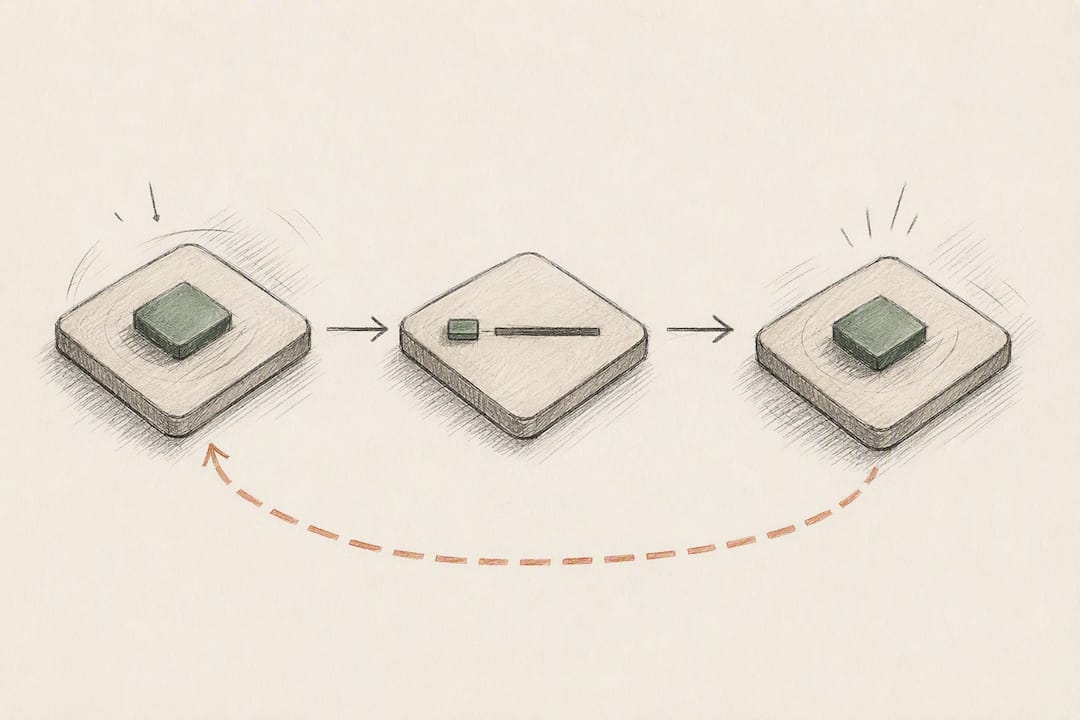
- Default to 25 or 50 minute meetings instead of 30 or 60, and build in a short buffer afterward. Poorly targeted meetings increase the need for recovery time and drive burnout. That recovery cost is highest when a meeting felt irrelevant to begin with.
- Set async-first norms: define expected response windows (same day, not same hour) so people stop feeling obligated to answer instantly.
- Create a parking-lot channel for incoming requests during focus sessions, so nothing gets lost but nothing interrupts either.
Teams that move toward async-first communication reduce the pressure to respond in real time, which lowers the volume of forced, ad-hoc switches across the whole organization.
What Workspace Setup Actually Reduces App Switching?
Consolidation beats willpower. Fewer active windows, one project workspace instead of five scattered tabs, and integrated dashboards all reduce the number of times your attention has to relocate. Batching and consolidating tools measurably reduces the switch penalty compared with juggling separate apps for calendar, tasks, and messaging.
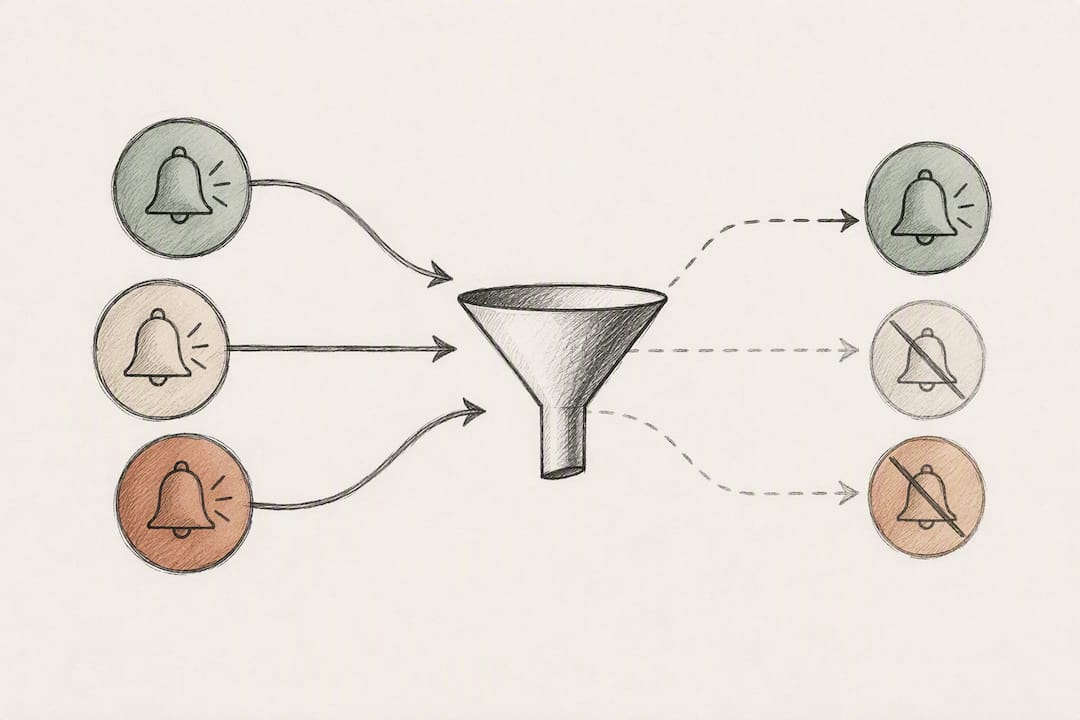
- Set notification rules by channel: urgent-only alerts during focus windows, everything else queued for a set check-in time.
- Use quiet hours on your phone and desktop that match your calendar’s focus blocks, not just your sleep schedule.
- Let lightweight automation handle routine follow-ups and meeting summaries so you’re not manually copying notes between tools.
- Developers: keep terminal sessions and browser tabs organized by project, not by chronology, so context isn’t scattered across whatever you opened last.
A setup like the meeting-management approach used by Sdr shows how offloading scheduling and booking work entirely removes a category of ad-hoc calendar noise rather than just organizing it better.
Pro Tip: Audit your notification settings once a month. Apps quietly turn alerts back on after updates, and that one setting can undo weeks of discipline.
How Do You Measure Whether You’re Reducing Context Switching?
You can’t fix what you don’t track. Four numbers matter most:
- Switch frequency — how many times per day you move between unrelated tasks or apps.
- Average refocus time — how long it takes to get back to full speed after an interruption.
- Deep-work hours per week — total uninterrupted blocks of 60+ minutes.
- Task completion rate — how many started tasks actually finish the same day.
Run a one-week experiment: add meeting recovery buffers or batch your meetings, then compare your numbers against the prior week’s baseline. Combine simple time-tracking with a short weekly focus survey (a two-question check-in on how fragmented the day felt) to catch what raw numbers miss. Once a tactic shows a real gain, that’s the one worth rolling out to the whole team instead of leaving it as a personal experiment.
How an AI Chief of Staff Reduces Context Switching in Practice
Most of your switching cost isn’t the task itself. It’s re-explaining context every time you move between email, calendar, and meetings. Otto runs on one shared memory across all three, so nothing has to be reconstructed from scratch each time you open a different tool.
Every promise made on a call or buried in a thread lands in a single action ledger that Otto tracks until it’s closed, which cuts down on the interruptions people create just trying to remember what they committed to. If you’re evaluating whether an AI assistant will actually help, test these during a trial:
- Does it reduce how often you re-explain the same context across tools?
- Does it surface commitments you’d otherwise forget until someone follows up?
- Does your number of daily app switches actually drop, or just move to a new app?
Realistic Expectations for Reducing Context Switching
Some roles, like on-call engineers and PMs, carry structural switching you can’t fully engineer away. Aim for incremental gains over 4 to 8 weeks, not overnight fixes, and pair personal habits with one team-level experiment.
— Eddie
Otto: A Direct Way to Cut Context Switching Across Your Tools
Otto is the alternative to juggling a notetaker, an email assistant, and a separate task manager that all forget each other exist. Because email, calendar, meetings, and commitments live in one shared memory, you stop being the one who copies context between tools and holds every connection in your head.

During a trial, watch for three signals: fewer moments where you have to re-explain something you already said on a call, faster follow-through on promises made in meetings, and a real drop in how often you’re bouncing between apps just to check what’s outstanding. Nothing goes out without your approval. Otto drafts, you decide.
The Free plan is available at no cost, and paid options with additional features are offered for users with higher needs. Start with the Free plan on Otto’s site and see whether your own switch frequency drops in the first week.
Sources
- Virtual meeting fatigue and meeting recovery study
- Context Switching in Software Engineering: How Developers Lose Productivity
- How much time and energy do we waste toggling between applications? (HBR)
FAQ
What Does Context Switching Mean?
Context switching is the mental cost of moving between unrelated tasks, apps, or conversations. Each switch forces your brain to drop one mental model and reload another, which is what creates the delay before you’re back at full speed.
What Does “Context Shifting” Mean?
“Context shifting” is generally used as an informal synonym for context switching, referring to the same shift in attention between tasks or topics. Some writers use it specifically for shifts in conversational or emotional focus rather than task-based work, but the underlying cost is the same.
What Is Context Switching Fatigue?
Context switching fatigue is the cumulative mental exhaustion from repeated task and attention shifts over a day or week. It shows up as slower task completion, more errors, and a feeling of being busy without getting anything finished, and it compounds when meetings are stacked back to back without recovery buffers.
What Is Context Switching in Psychology?
In psychology, context switching describes the cognitive cost of disengaging attention from one task and re-engaging with another, closely tied to the concept of attention residue. Research on meeting recovery time shows this cost is higher when the interruption feels irrelevant to the person experiencing it.
Can Otto Actually Help Reduce Context Switching?
Otto reduces the specific cost of re-explaining context across email, calendar, and meetings by holding all three in one shared memory, so you’re not reconstructing the same information in multiple tools. That’s a different problem than eliminating meetings or task switching entirely, but it removes one of the biggest hidden drivers behind both.