 Otto
Unified Contact History: One Timeline for Every Person
Unified Contact History: One Timeline for Every Person

A unified contact history is a single, chronological record for each person you work with: every email, meeting, call, note and promise, regardless of which app it happened in. If you currently piece that record together from your inbox, your calendar and a notetaker, you are the integration layer, and the cost shows up as forgotten follow-ups and re-explained context. We built Otto around the opposite idea: one shared memory of your work, where email, calendar, meetings and commitments live together, so the history of a relationship is already there when you need it.
This guide explains what belongs in a unified history, how to build one without duplicates or stale records, and how to turn it into follow-ups that actually happen.
TL;DR
- A unified contact history is one timeline per person that merges email, calendar events, meeting notes, decisions and commitments from every tool.
- The part that matters most is the commitments: what you promised, what they promised, and by when.
- Quality depends on three things: one identity per person (email address is the usual anchor), automatic capture instead of manual logging, and an owner for every relationship.
- Combining data across apps raises privacy questions: collect only what you need, and limit who can see what.
- Otto captures promises made in meetings, email and calendar into a single ledger and chases them until they are closed, and nothing is sent without your approval.
Table of Contents
- What a unified contact history actually is
- What belongs in the record
- Why scattered history costs you more than you think
- How to build a unified contact history, step by step
- Avoiding duplicates and stale records
- Privacy and permissions when you combine data
- Putting it to work with Otto
- Our perspective
- FAQ
- Sources
What a unified contact history actually is
Most people already have a contact list. A contact list tells you who someone is: name, company, phone, email. A contact history tells you what has happened between you and that person: the intro email in March, the call where you agreed on a revised scope, the invoice question you never answered.
“Unified” means those events sit in one place rather than in four. Your inbox has the written thread. Your calendar has the meetings and their cadence. Your notetaker has what was said out loud. Your task app has the to-dos that came out of it. None of them can see the others, so the full picture exists only in your head.
The same word turns up elsewhere with a different meaning. On a phone, “linked contacts” merge duplicate address-book cards so one person shows once. That is tidy, but it is a different job from joining the interactions themselves. Here we mean the second one: a record of the relationship, not just the card.

What belongs in the record
A history that records everything is as useless as one that records nothing. For a founder, operator, chief of staff or consultant, these are the entries worth keeping:
- Email threads. Who wrote last, what was asked, whether it was answered.
- Calendar events. Past and upcoming meetings, who attended, and how often you meet. A gap in cadence is information.
- Meeting content. A short summary, the decisions made and the open questions.
- Commitments. Every promise, from either side, with an owner and a due date. This is the entry type most tools miss, because promises are made in conversation and never typed into a field.
- Notes and context. The things you would want to remember before the next call: a client’s preferred channel, a deadline they mentioned, a personal detail that matters.
- Tasks that came out of it. Linked to the person, so you can see everything you owe them in one view.
Things that usually do not belong: full copies of every attachment, chatter with no bearing on the relationship, and sensitive details you have no business purpose for. More on that in the privacy section.
Why scattered history costs you more than you think
The trouble with scattered history is not that the information is missing. It is that connecting it depends on you. You remember that the client mentioned a budget freeze on a call, but the email draft you are writing does not know. You promised a proposal by Friday in a meeting, but the notetaker transcript sits in one tool and your task list in another. Nothing links them unless you do.
This hits some readers harder than others:
- Founders carry dozens of live relationships (investors, customers, candidates) and get through back-to-back meetings with no time to log anything.
- People with an AI notetaker have excellent transcripts and still lose follow-ups, because the notetaker has never seen the inbox where the real follow-up happens.
- Chiefs of staff and executive assistants track other people’s commitments as well as their own, so a gap in the record is a gap in someone else’s week.
- Consultants and agency owners juggle promises across many clients, where one missed reply reads as a signal about the whole engagement.
- Operators running several AI tools find each one clever within its own box and blind outside it.
If you recognize yourself in any of these, the fix is not a better note-taking habit. It is removing the manual join.
How to build a unified contact history, step by step
The routine is the same whether you assemble it yourself or let software do the capture. At each step, here is what it takes and where it usually goes wrong.
1. Choose one home for the record
Pick the single place where a person’s history lives, and treat every other app as a source that feeds it. The common mistake is choosing a home that cannot read the others: a contact app that never sees your calendar, or a notes app that never sees your email. Before you commit, list the sources you need (email, calendar, meetings, chat, task manager) and check the home can connect to all of them.
This is where we designed Otto to differ from single-purpose tools. It reads email and calendar and listens in meetings, so those sources feed the same memory rather than three separate ones. It also integrates with over 130 tools, including Gmail, Google Calendar, Slack, Notion, GitHub and Todoist. If your email and calendar context is currently split, our guide to unifying email and calendar context walks through the setup.
2. Decide what counts as an interaction
Write down, in a sentence or two, what earns a place in the history. A reasonable default: any two-way email, any meeting with at least one external attendee, any commitment made by either side. Leave out newsletters, automated receipts and calendar holds.
Skip this and the timeline fills with noise within a month, and you stop trusting it. Once you stop trusting it, you stop looking, and it decays.
3. Give every person one identity
The same person appears as a work address, a personal address, a name spelled two ways and a phone number. A unified history needs one identity that ties these together. The usual anchor is the email address, because it is the most reliably unique identifier across tools.
Where this goes wrong: two records for one person split the history in half, and you act on the half you happen to open. Before creating a new contact, search for an existing one. When you find duplicates, review them before merging, because a wrong merge combines two different people’s histories and is often hard to undo.
4. Automate capture
Manual logging fails for a simple reason: the moments when relationships are busiest are the moments you have the least time to write things down. If the history depends on you remembering to update it, it will be current for a week and stale after that.
Capture needs to happen where the work happens: in the inbox, on the calendar and in the meeting. Otto listens in meetings, reads email and calendar, and records what it finds without you copying anything across. If your notes and emails currently live apart, this walkthrough on centralizing meeting notes and emails shows how the two fit together.
5. Turn promises into a ledger, not a transcript
This is the step most setups skip. A transcript tells you what was said. A ledger tells you what is owed. Every “I’ll send that over by Thursday” becomes an entry with a person, an owner and a date, and stays open until someone closes it.

The common failure is that promises are captured in one tool and chased in none. Otto captures every promise made in meetings, email and calendar into a single ledger and chases it until it is closed. That includes promises you hear as well as promises you make, which matters when you track commitments for other people. For the capture-and-follow-through routine in more detail, see how to stop missing follow-ups.
6. Assign an owner and watch for silence
Every relationship should have one person responsible for it. Without an owner, everyone assumes someone else will follow up. With one, you can add a simple rule: if a key relationship has had no contact for a set period, surface it.
Where this goes wrong is the rule living only in your head. A relationship going quiet is invisible precisely because nothing is happening. Reminders have to come from the record. Keep-in-touch reminders for founders covers how to set that cadence with human review. The same logic applies to lead tracking, as this piece on CRM lead tracking from first contact to booked job explains for service businesses.
7. Keep a human approval step on anything outbound
A history that can trigger messages needs a brake. Automatic follow-ups that go out unreviewed can say the wrong thing to the wrong person at the wrong time. In Otto, nothing is sent or finalized without your explicit approval: it drafts, you decide. The same principle holds for any automation that speaks on your behalf, a point made well in this article on automating customer support without losing customers.
Avoiding duplicates and stale records
A unified history is only as good as its upkeep. Three habits do most of the work.
One format, everywhere. Names, phone numbers and company names entered five different ways create near-duplicates that no matching rule will catch cleanly. Standardize once, early.
Review before you merge. Matching on name, email, phone and company is a good way to find likely duplicates. It is a poor way to decide which ones are the same person. Look at a suspected pair, check the history of both, then merge.
Let capture refresh the record. The best defense against stale data is that the record updates as a side effect of work. A contact whose last interaction is two years old is not a failed record. It is an accurate one, and it tells you the relationship has lapsed.
If your tasks hang off contacts, it helps to see them from the person’s side. Tasks by contact lays out five steps for doing that, and how meeting context fits in.
Privacy and permissions when you combine data
Joining email, calendar and meeting data into one place gives you a more complete picture of people than any single app did. That is the point, and it is also the reason to be deliberate.
The UK data protection regulator, the ICO, sets out seven principles for handling personal data under UK GDPR. They include using data lawfully, fairly and transparently, collecting it for specified and legitimate purposes, keeping it accurate and up to date, and not keeping it longer than necessary. These are UK rules, and US requirements differ by state and sector, but they are a sound working checklist for anyone building a combined record, and they apply directly if you deal with people in the UK or EU.
Two practical points follow from them:
- Collect only what the purpose needs. The ICO’s data minimisation guidance says organizations should review what they hold from time to time and delete what is no longer needed for the stated purpose. For a contact history, that means a periodic prune of old, irrelevant entries.
- Match access to role. One shared record does not have to mean everyone sees everything. A chief of staff may need the full thread, while a teammate only needs to know a meeting took place. Decide who sees what before you connect the sources, not after.
If your work touches health, legal or financial client information, check your own obligations with your counsel or compliance lead before you centralize it.
Putting it to work with Otto
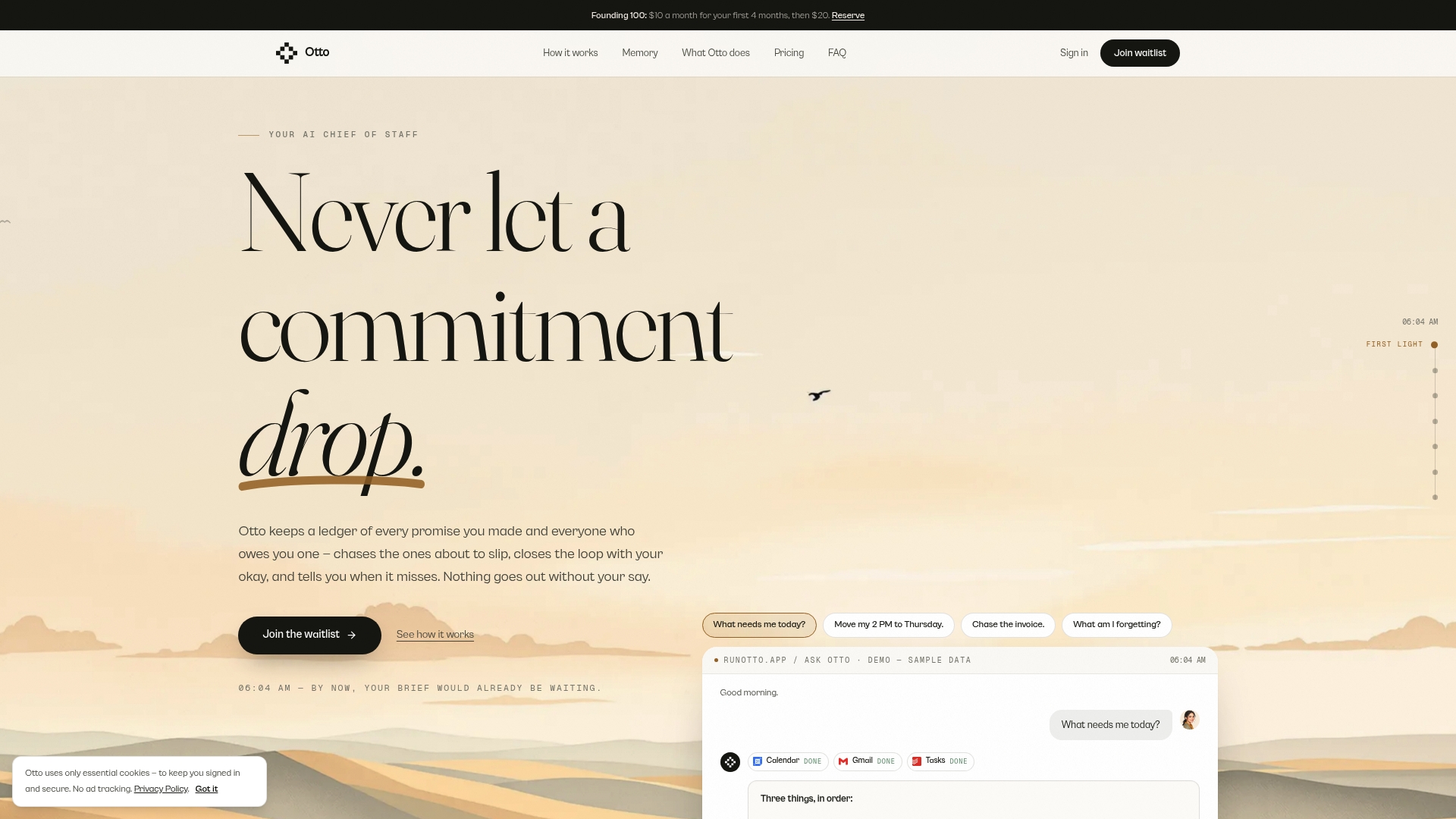
If you want the history built for you rather than assembled by hand, Otto is designed for exactly this job. It reads your email and calendar, listens in meetings, keeps people and contacts in one memory, and records every promise into a ledger it chases until closed. It can then answer the question that matters each morning: what should I focus on today.
There is a Free plan at $0 per month, an Upgraded plan at $20 per month and a Max plan at $50 per month, with higher usage limits, integrations and advanced features on the paid tiers. You can see them on the Otto plans page.
If you already use an AI notetaker and still lose follow-ups, the missing piece is usually the inbox and the calendar. Connecting them to the same memory is the fastest way to close that gap.
Our perspective
Every productivity tool we looked at was clever inside its own box. The notetaker had the meeting. The email assistant had the inbox. The relationship tool had the contacts. And the person in the middle was doing the real work of connecting them, all day, from memory.
We think that job should not exist. A contact history is not a database you maintain. It is a by-product of work that is already happening: the email you sent, the meeting you sat in, the thing you said you would do. If a system can see all of it at once, the history writes itself.
The part we care about most is the promise. Notes are easy to produce and easy to ignore. A commitment that is captured, owned and chased until it is closed changes what happens the next day. That is why Otto keeps a single ledger rather than a pile of summaries.
And because a shared memory is powerful, it should never act alone. Otto drafts, you decide. Nothing is sent or finalized without your approval, so the history works for you without speaking for you.
Eddie
FAQ
What is the difference between a contact list and a unified contact history?
A contact list stores who someone is: name, company, phone and email. A unified contact history stores what has happened with them: emails, meetings, notes, decisions and commitments, in time order. The list helps you reach a person, and the history helps you pick up where you left off.
How do I unify contacts across apps without creating duplicates?
Choose one home for the record and use the email address as the main identifier. Search for an existing contact before creating a new one, standardize name and phone formats, and review suspected duplicates before merging. Capturing history automatically from email and calendar also reduces the manual entry that creates duplicates in the first place.
How do I maintain relationship history when I use several AI tools?
Keep one chronological record rather than one per tool, and make sure it can read your email, calendar and meetings. Assign an owner to each relationship, capture interactions automatically, and track commitments in a single ledger. Otto is built on one shared memory, so the tools you connect feed the same record instead of each holding a separate piece.
Is it safe to combine email, calendar and meeting data in one place?
It can be, if you do it deliberately. Collect only what you need for a stated purpose, keep records accurate, delete what you no longer need, and limit access by role. Rules vary by country and state, so check the requirements that apply to you and the people whose data you hold.
Sources
- A guide to the data protection principles, ICO
- Principle ©: Data minimisation, ICO
- CRM Lead Tracking: From First Contact to Booked Job
- How to Automate Customer Support Without Losing Customers